Smooth live speed
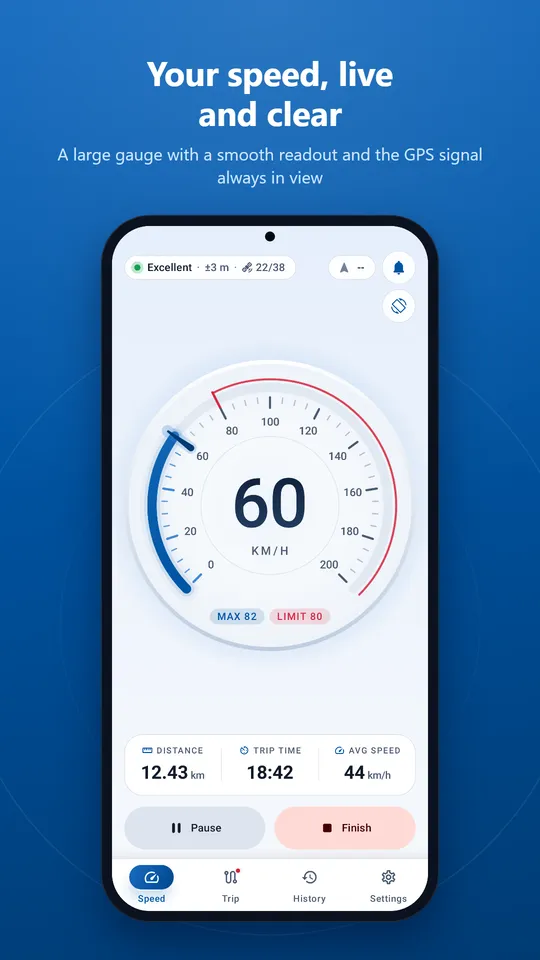
Speed is read straight from your phone's GPS chip up to ten times a second and eased onto an instrument-style glass dial, so the needle moves without jumps or flicker.
Turn your Android phone into a clean digital dashboard. See your live speed on a large gauge, record every trip with distance, time and average speed, and look back at your week. Your trips stay on your phone, and no account is needed.
Free for Android 7.0 and later. GPS speed can lag or be wrong in tunnels and weak-signal areas; always use your vehicle's speedometer.
Built for drivers, riders, cyclists, walkers and boaters who want clear numbers and a private record of every trip.
Speed is read straight from your phone's GPS chip up to ten times a second and eased onto an instrument-style glass dial, so the needle moves without jumps or flicker.
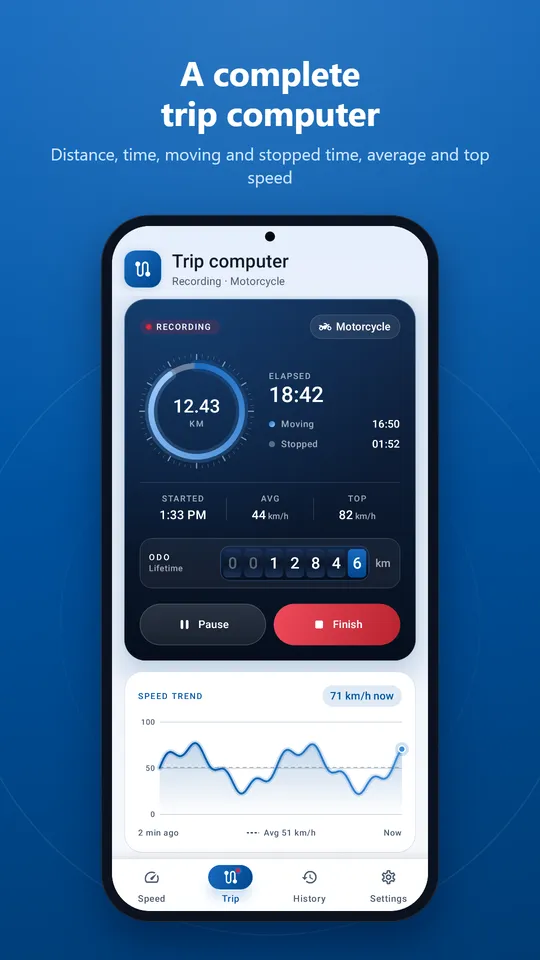
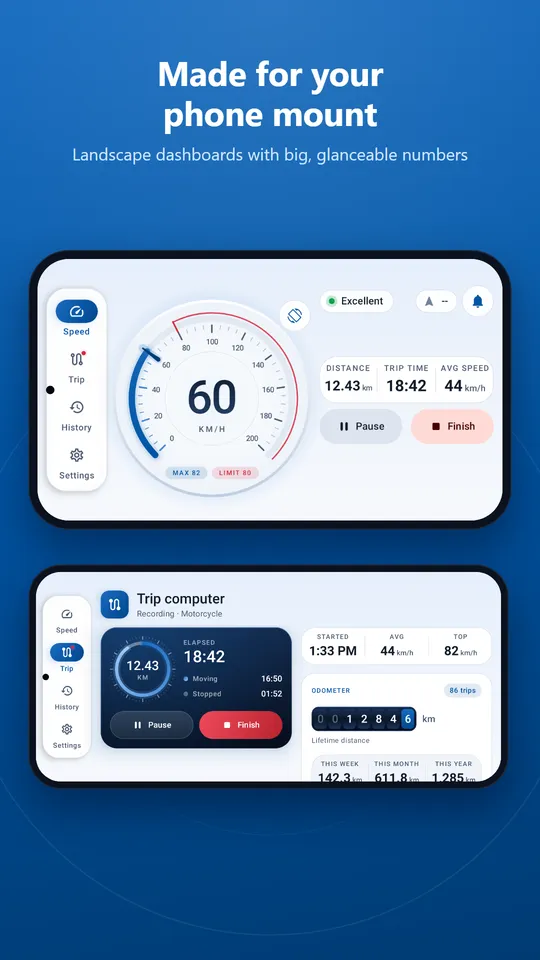
Start, pause, resume and finish with one tap. Get distance, trip time, moving and stopped time, average and top speed, plus a live speed-trend chart.
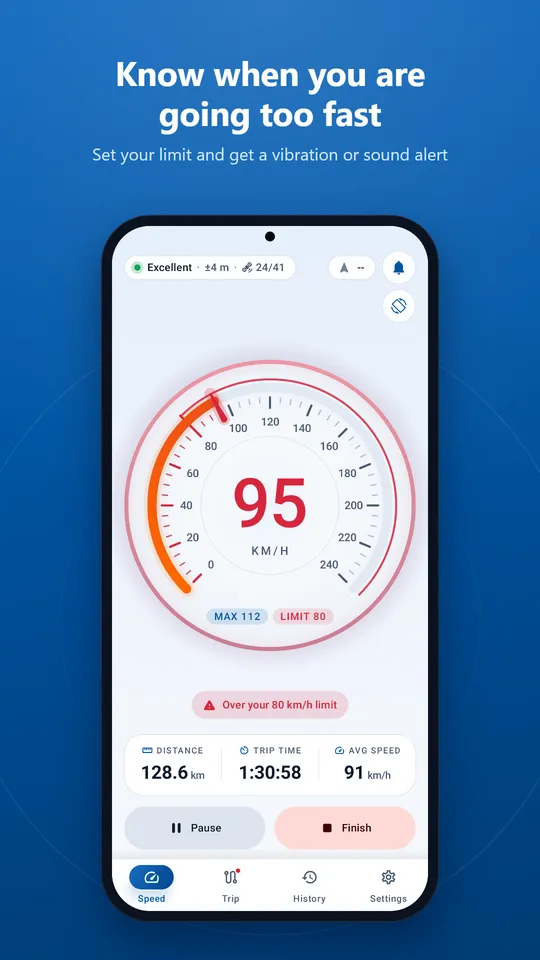
Set your limit and get a clear visual warning, a vibration and an optional sound when you stay over it for two seconds.
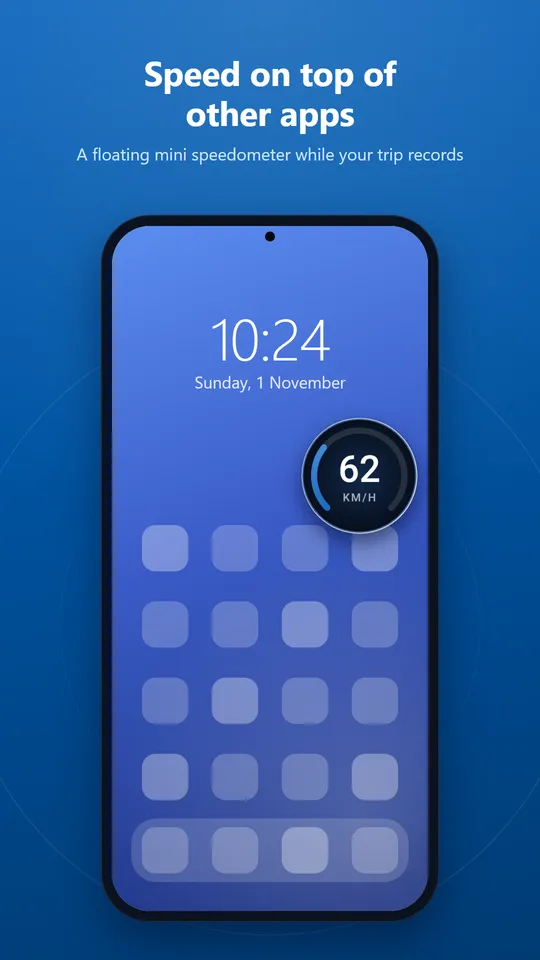
Recording continues with the screen off. A floating mini speedometer sits over other apps, and your speed can show on the lock screen during a trip.
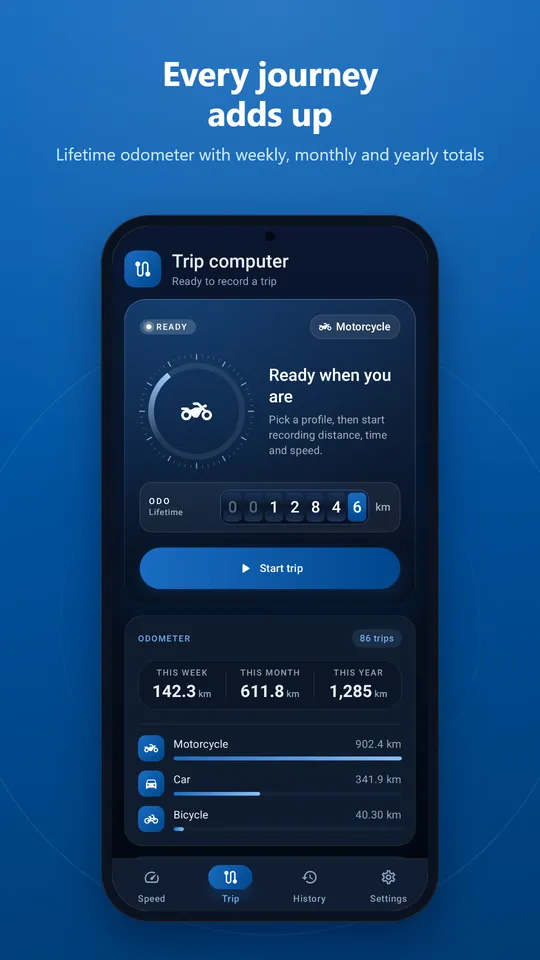
Every saved trip with its distance, time and speeds. A lifetime odometer with weekly, monthly and yearly totals, and a 7-day chart of your week.
Trips and locations never leave your phone. There is no account, no sign-in and no advertising ID. Optional usage statistics can be switched off.
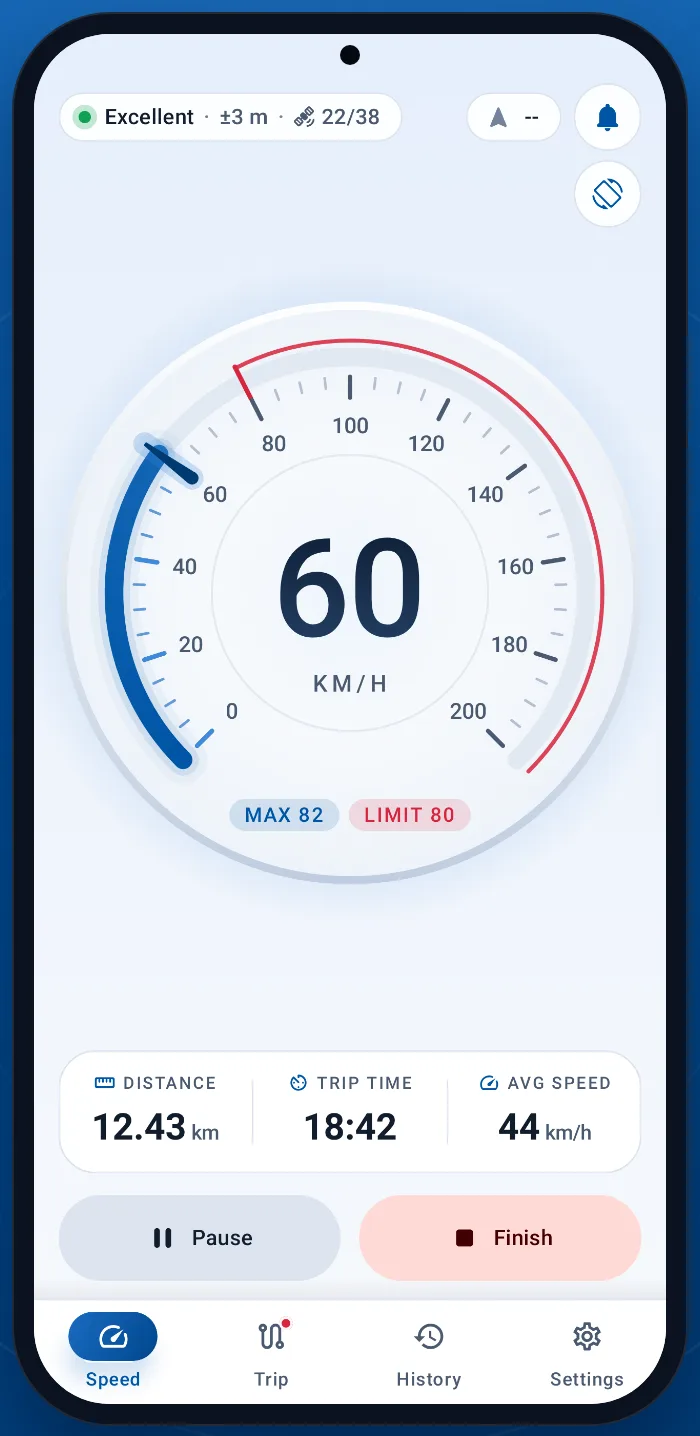
A full-circle glass dial with a lit bezel, a redline, a speed-limit marker and large digits you can read at a glance.
A dark instrument console with a chronograph ring keeps the numbers that matter in one place, in both light and dark themes.
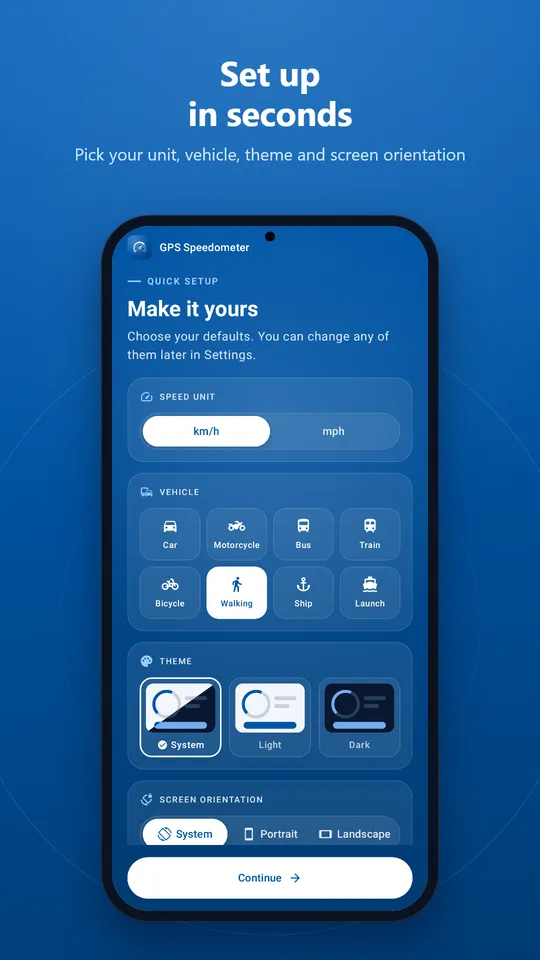
Pick your speed unit, vehicle, theme and screen orientation on one quick setup screen.
The app asks for location only when you open the speedometer. Precise location gives the best speed readings.
Start a trip before you drive. Recording continues with the screen off, and you can finish from the notification.
Scroll sideways to see more.
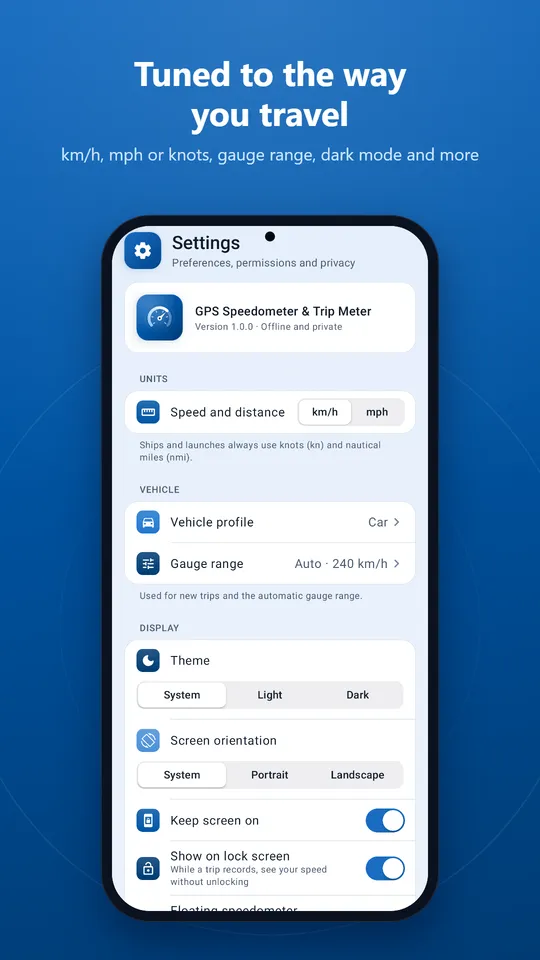
Speed, routes, locations, trip names and notes are stored only on your device. We never receive them. Anonymous usage statistics and crash reports help us improve the app, and you can turn each one off in Settings. Read the privacy policy.
GPS speed can lag or be inaccurate in tunnels, between tall buildings and in areas with weak signal. This app does not replace your vehicle's speedometer. Follow traffic laws, set up the app before you drive and keep your eyes on the road.
Free on Google Play. No account, no ads, no in-app purchases.

Have a question? Read the FAQ or contact us.