This week at a glance
Distance, trips and time for the week, with a 7-day distance chart.
Everything GPS Speedometer & Trip Meter 1.0 does, screen by screen. Every feature is free: there is no paid tier, no account and no ads.
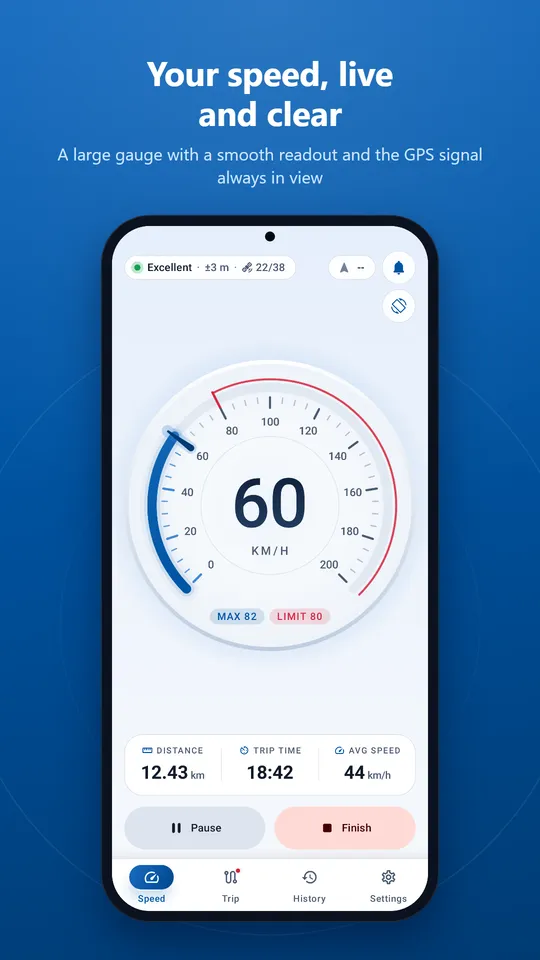
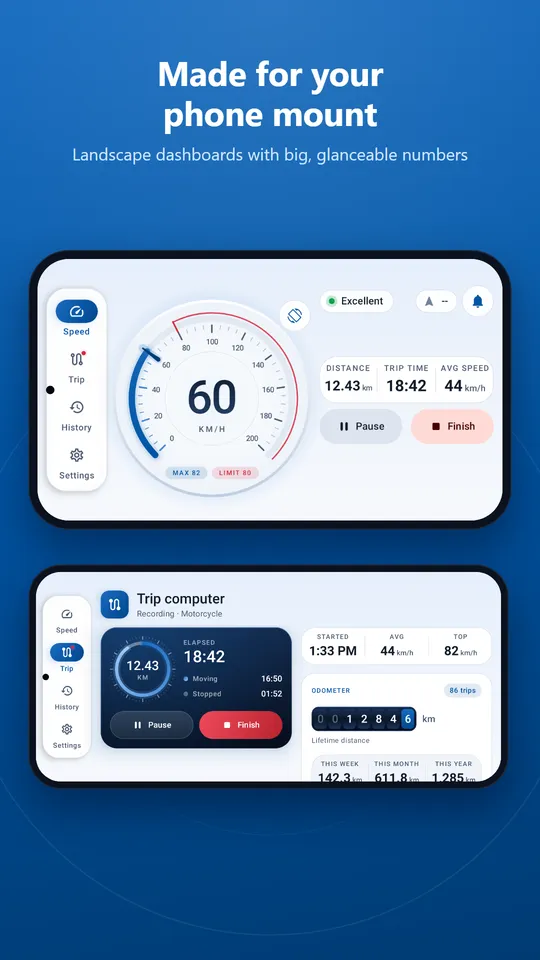
A full-circle glass dial that you can read in a single glance, with a smooth needle and steady digits.
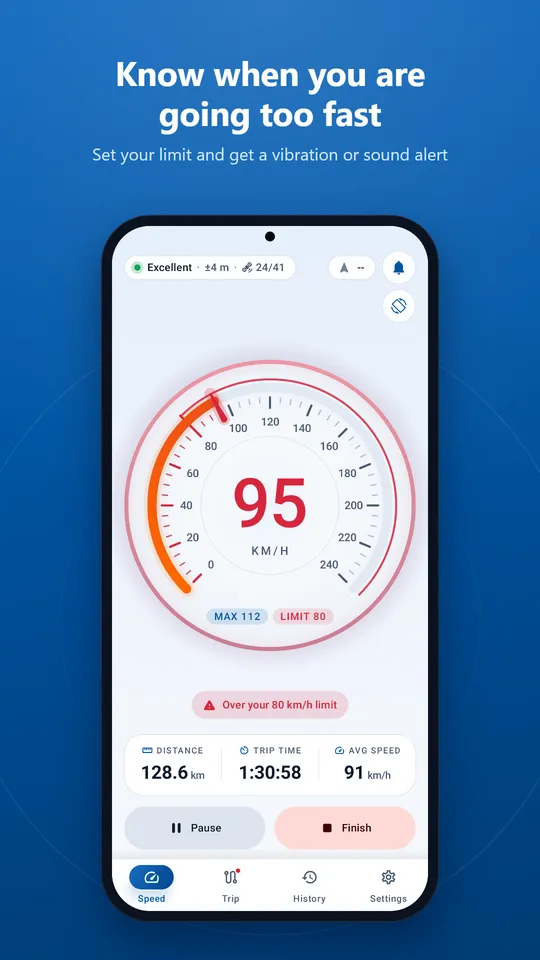
Choose your limit with a slider. When you stay above it for two seconds, the app warns you.
The alert uses GPS speed, which can differ from your vehicle's speedometer. Always follow posted limits.
A dark instrument console, dark in both themes, holds the trip status, your vehicle and the controls.
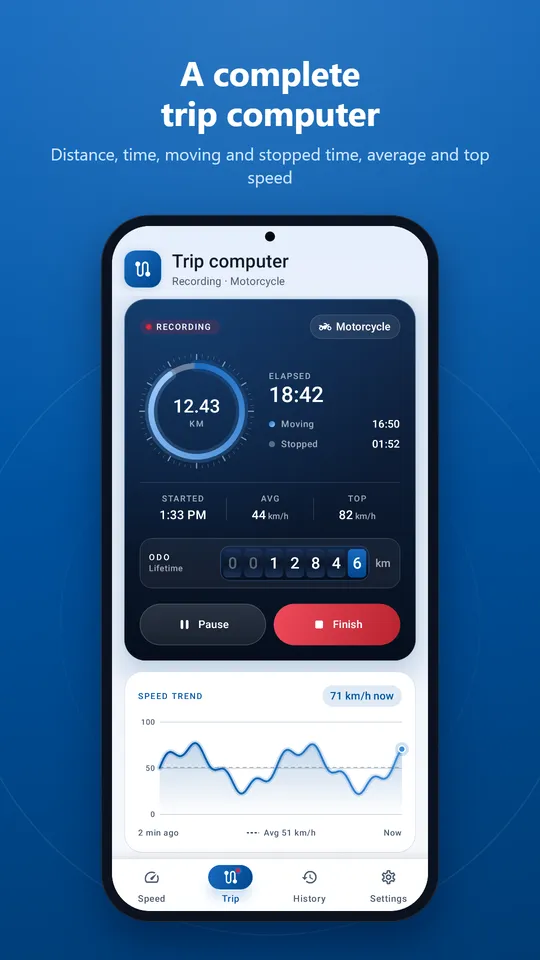
Your lifetime distance on rolling digit drums, with the tenths highlighted, just like a classic odometer.
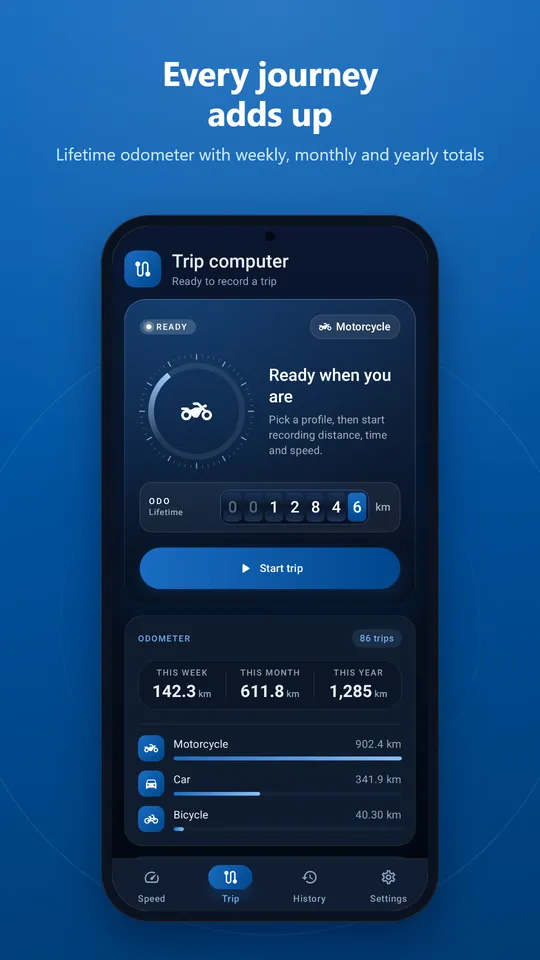
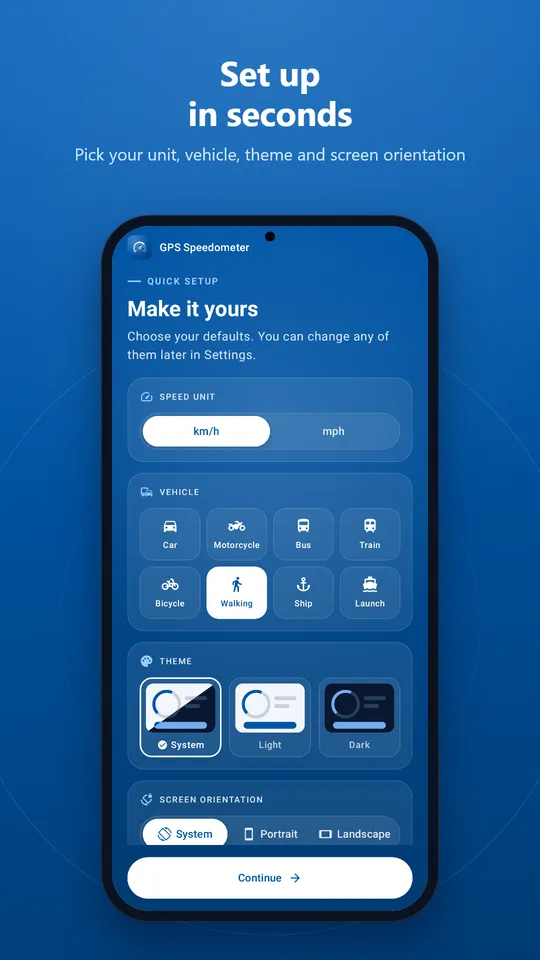
Each profile sets a fitting gauge range and a plausibility limit that ignores impossible GPS jumps.
| Profile | Speed and distance units |
|---|---|
| Car | km/h and km, or mph and miles |
| Motorcycle | km/h and km, or mph and miles |
| Bus | km/h and km, or mph and miles |
| Train | km/h and km, or mph and miles |
| Bicycle | km/h and km, or mph and miles |
| Walking | km/h and km, or mph and miles |
| Ship | Always knots and nautical miles |
| Launch | Always knots and nautical miles |
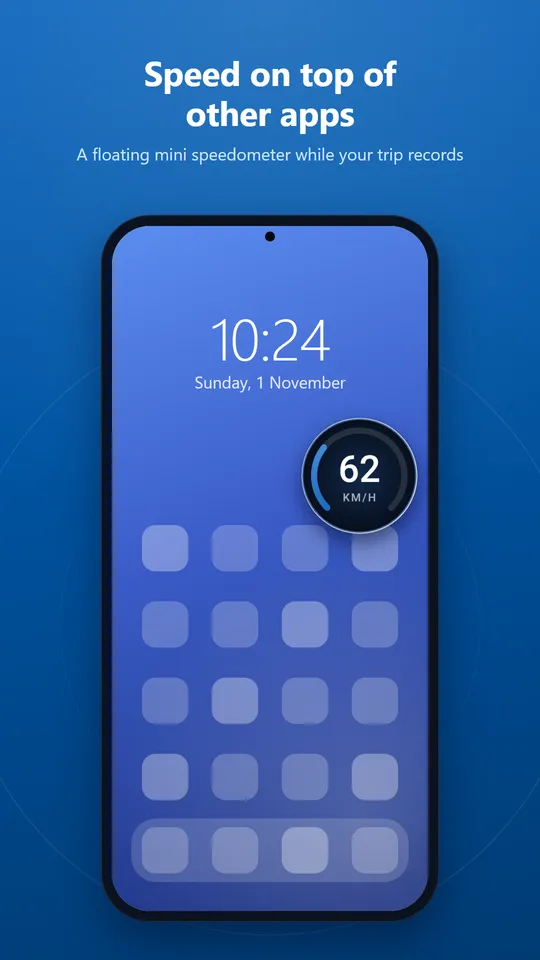
Once you start a trip, recording continues with the screen off or while you use other apps.
Distance, trips and time for the week, with a 7-day distance chart.
Each card shows the vehicle, distance, duration and speeds. Filter by vehicle with one tap.
Distance, time, moving and stopped time, average and top speed. Rename a trip, add notes or share a text summary.
Remove a trip with a swipe, with Undo in case you change your mind. Or delete all history in Settings.
News and tips are kept in an inbox on your phone, grouped by day, with mark-as-read, swipe to delete and clear all.
History lives only on your phone. Uninstalling the app or deleting history removes it for good.
GPS does not need the internet. A connection only helps your phone find its first fix faster.
Positions from Wi-Fi and cell towers never produce a speed reading, so the gauge stays at zero on a table.
Each vehicle profile caps believable speed, so sudden GPS jumps are ignored instead of spoiling your top speed.
Helpful states for permission denied, approximate location, location turned off, no GPS lock indoors and lost signal.
Phones without Google Play services fall back to the platform GPS provider.
Runs on Android 7.0 and later, on phones, foldables and tablets.
Scroll sideways to see more.
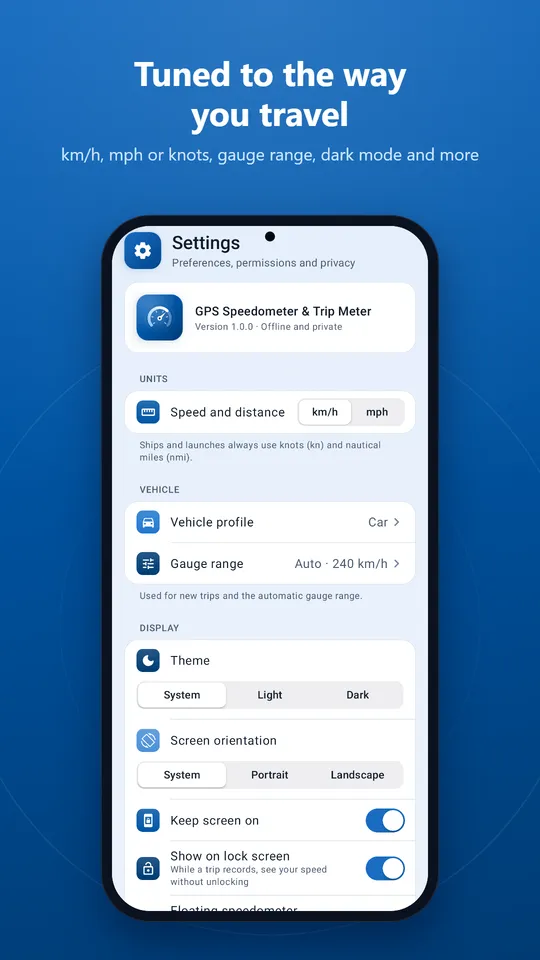
Each permission is requested only when you use the feature that needs it.
| Permission | Why | Required? |
|---|---|---|
| Location (precise or approximate) | Speed, distance and heading come from GPS. Asked when you first open the speedometer. | Yes, for the speedometer |
| Foreground service (location) | Keeps a trip you started recording while the screen is off, with an ongoing notification. No background-location permission is requested. | Only when you record a trip |
| Notifications | The trip-recording notification and news messages (Android 13+). | Recommended |
| Display over other apps | The floating speedometer during a trip. You grant it in system settings. | Optional |
| Vibrate | Speed-alert vibration. | Automatic |
| Network state and internet | To show "Offline" and to send optional usage statistics, crash reports and receive messages. | Automatic |
See the privacy policy for exactly what data is processed.
GPS speed can lag or be inaccurate in tunnels, between tall buildings, under heavy tree cover and in areas with weak signal. This app is not a replacement for your vehicle's speedometer. Always follow traffic laws, set up the app before you drive and keep your eyes on the road.
No account, no ads, no in-app purchases.